Cloud PBX
Bring your own carrier — we run the PBX for you.
- Extensions, auto attendant and call queues
- Call recording, live monitoring and reports
- Calling from the browser, REST API and CRM integration

Cloud PBX · WhatsApp API · MelinPhone
A cloud PBX that runs on your own phone lines, an API that connects your WhatsApp number to your software, and MelinPhone to carry your extension in your pocket. Simple to set up, managed from the browser, and your data stays yours.
Which product would you like to start with?
Cloud PBX panel Build your package WhatsApp API panel wp.melintel.com.trDashboard
Lines connectedInbound today
128
Missed
3 in follow-up
Average wait
9 s
Calls per hour
Live calls
Ayşe · 101
In call · 02:14
Melin Café
online
Hi, are you open today?
Hi! We are open 09:00–22:00 today. Reply 1 to book a table.
09:411
Great! How many people will there be?
09:41curl -X POST \ https://wp.melintel.com.tr/api/v1/INSTANCE_ID/messages/text \ -H "Authorization: Bearer …" \ -d '{"to":"+90532…","body":"Your order is on its way"}'
Illustrative screen — sample data
Works with the lines you already have from carriers that provide SIP accounts. Your number stays the same and your carrier contract stays with you.
Menus in plain language. Advanced settings open only when you need them; everyday tasks take a few clicks.
Each company’s data is kept separate, line passwords are stored encrypted, and you can protect your account with two-step verification.
Servers, updates and infrastructure are on us. Open your browser and focus on your business.
Two products, the same care
A PBX for calls, WhatsApp for messages. Both are managed from the browser and built by the same team.
Bring your own carrier — we run the PBX for you.
Per number 19 €/mo
Connect your WhatsApp number to your software and let messages go out on their own.
Cloud PBX
Route every call to the right person, let the auto attendant answer after hours, and never forget a missed call.
Callers hear music and “you are number 3”, then reach the first free agent; they can also leave the queue and ask for a callback.
See ongoing calls in real time; listen in, whisper to the agent, join the call or transfer it when needed.
Record calls with an optional privacy notice, listen and download in the panel; recordings aren’t lost if the connection drops.
Draw auto attendant menus and sub-menus on a drag-and-drop canvas; see the whole flow at a glance.
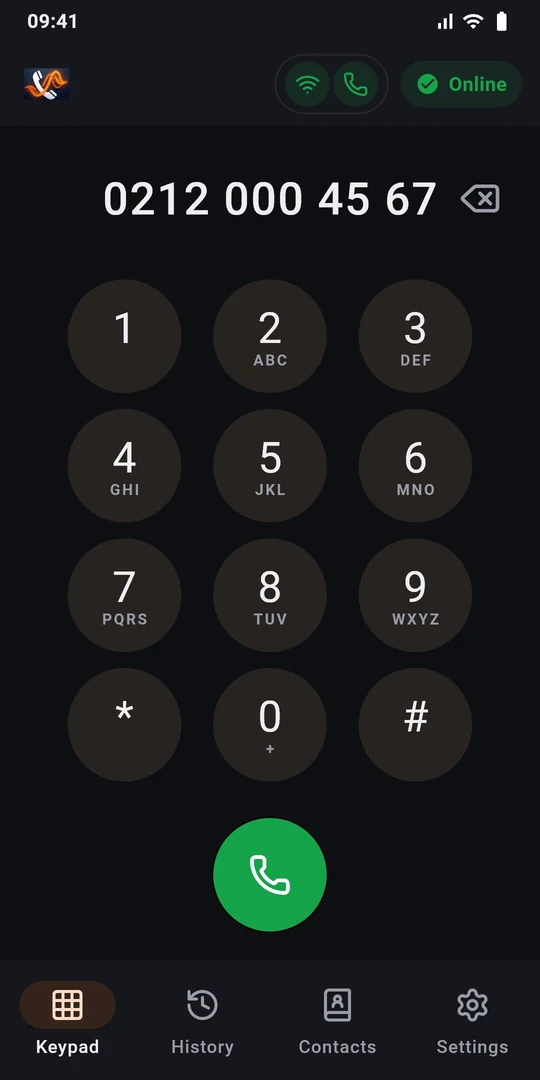
Call, answer, hold and transfer from the panel. All you need is a headset.
Read calls, recordings and contacts with your own API key; click to call and transfer from your software.
WhatsApp API
Orders, appointments, deliveries, verification codes… Your software sends a WhatsApp message with one request, and replies reach you instantly.
Text, image, video, document, audio, location, contact card, poll and reaction.
Incoming messages, delivery and read receipts reach your system signed; retried if they fail.
Read and answer customer messages in the browser on a WhatsApp Web-like screen; reply fast with templates.
To opted-in contacts, on the days and hours you choose, with personal variables; with read and reply reports.
OpenAI, Anthropic, Gemini or DeepSeek with your own key; answers frequent questions.
One backup number per subscription; if the main number can’t serve, the system switches over automatically.
How do I start?
Create your account
Sign up in a minute and set everything up right away; calls open once your payment is approved.
Add your line
Enter the line details from your carrier and see the connection status right away.
Finish with the wizard
The setup wizard helps you add your team and choose how callers are greeted; hear it right away with a test call.
Create your account
Start with a free trial of 7 days or 100 messages.
Link your number with a QR code
Scan the QR code from your WhatsApp app and your number is connected.
Start sending with the API
Add your API key to your software; ready-made examples in nine programming languages.
Fits every industry
Spread calls across a group when the order line is busy, and send menu and booking replies on WhatsApp automatically.
Appointment reminders on WhatsApp, after-hours calls to voicemail — no patient left unanswered.
Order and delivery notifications straight from your store software; customer service in one panel.
Call queues, live listening, a wallboard and post-call surveys; manage your team in real time.
Callers reach the nearest branch by area code; each branch has its own destination, managed in one place.
Add WhatsApp messaging to your clients’ software and integrate safely with signed event notifications.
Transparent pricing
A flat fee per number for the WhatsApp API; plans for every need for the cloud PBX.
No. MelinTel works on a “bring your own carrier” model: you add the line you already have from your carrier to the panel. Your number and carrier contract stay with you.
Yes — use one or both, depending on your needs. Each product has its own panel: app.melintel.com.tr for the PBX and wp.melintel.com.tr for the WhatsApp API.
No. The panels use plain language; adding a line, creating extensions and linking a WhatsApp number all go step by step.
The cloud PBX has no free trial: open your account and set it up right away; calls open once your first period’s payment (bank transfer) is approved. The free WhatsApp API trial lasts 7 days or 100 messages, whichever comes first, and needs no credit card.
Each company’s data is kept separate from others; line and extension passwords are stored encrypted. You can protect your account with two-step verification.
The site and the panels are available in Turkish, English and Russian. Your language choice is remembered in the panel too.
Open your account in minutes and set it up right away. We are with you wherever you get stuck.
No credit card required