

MelinPhone · mobile app
For Android · iOS coming soon
Your SIP line, now in your pocket
MelinPhone brings your business SIP line to your phone: call from anywhere with your business number and never miss a call, even when the app is closed.
No credit card needed. When the trial ends, continue by buying a plan.
- Version 1.0.4
- 150 MB
- Android 8.0 or later
- Released: November 1, 2026
- Android
- iOS Coming soon
Works with MelinTel
Your extension in your pocket, by QR code
Pick your extension in the MelinTel panel and scan the QR code with MelinPhone; the line details fill in by themselves. Work with the same extension at your desk, on the road or at home.
- 1
Open the extension in the panel
Choose your extension under PBX › Extensions and tap “Transfer to phone with QR code”.
- 2
Scan the QR code
In MelinPhone go to Settings › Line › “Fill from QR code”; the form fills itself.
- 3
Save and call
Tap Save; your extension connects and you make and take calls from your phone.
- No typing passwords; the QR code is shown only on request
- Incoming calls even when the app is closed
- Works with any SIP line, not only MelinTel
app.melintel.com.tr
Extension 101 · MelinTel
Transfer to phone with QR code
MelinPhone
Extension 101 · MelinTel
Connected
Why MelinPhone?
The power of your phone system with the convenience of your smartphone.
-
Calls even when the app is closed
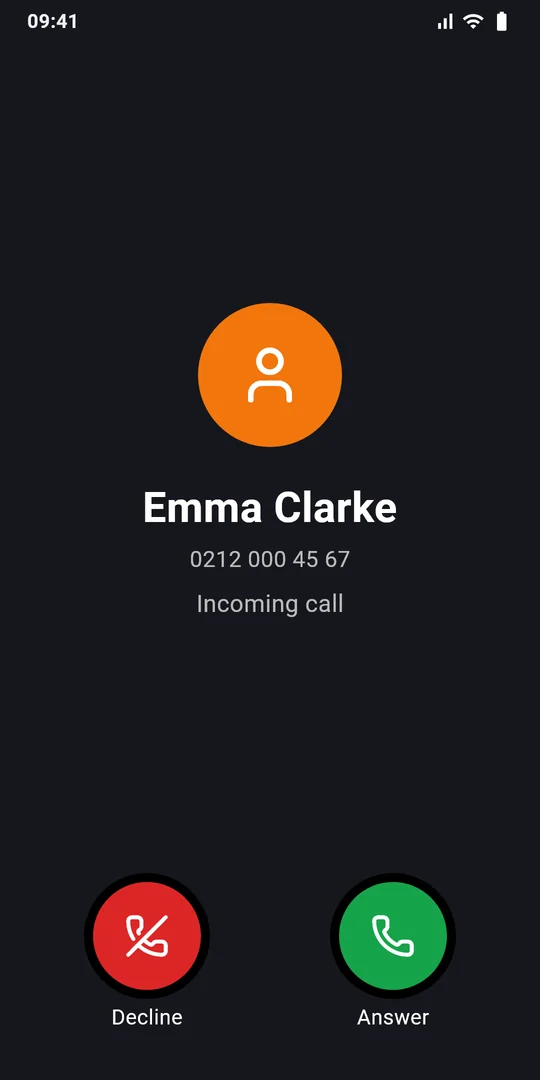
A background service keeps your line on; incoming calls appear full-screen on the lock screen.
-
Clear, uninterrupted audio
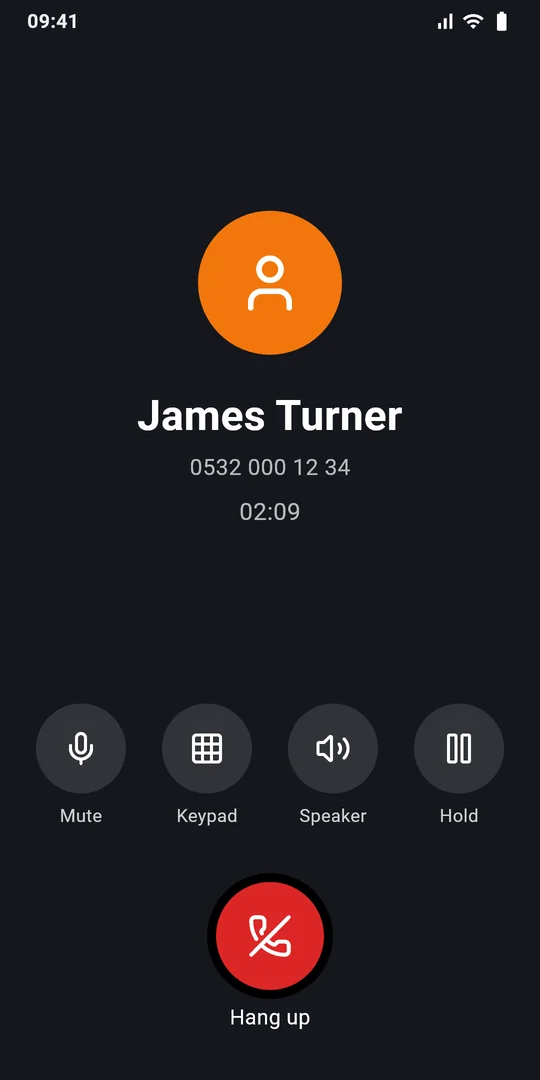
Carrier-grade codecs (G.711, Opus); hold, speaker, mute and keypad.
-
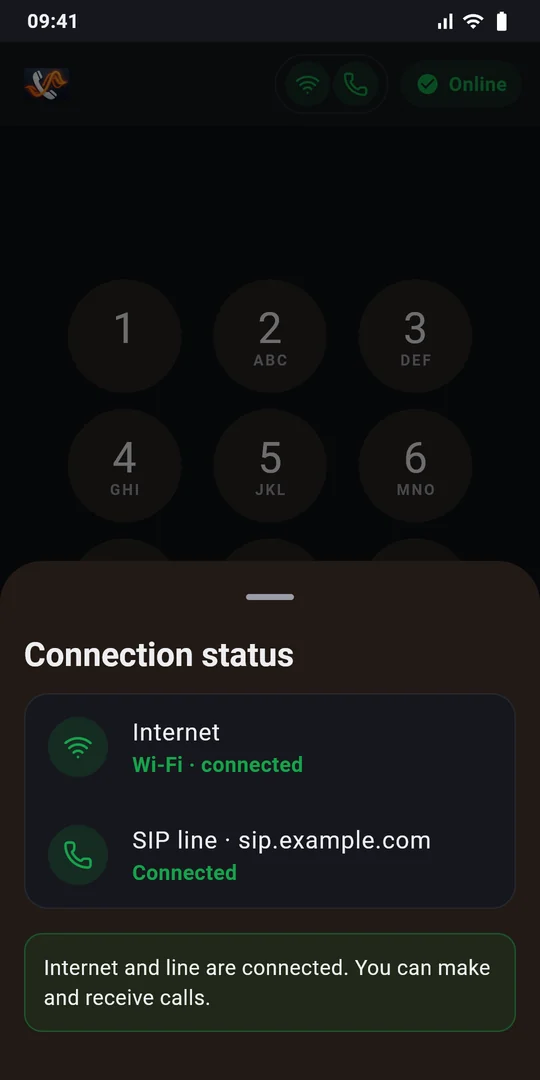
You know where the problem is
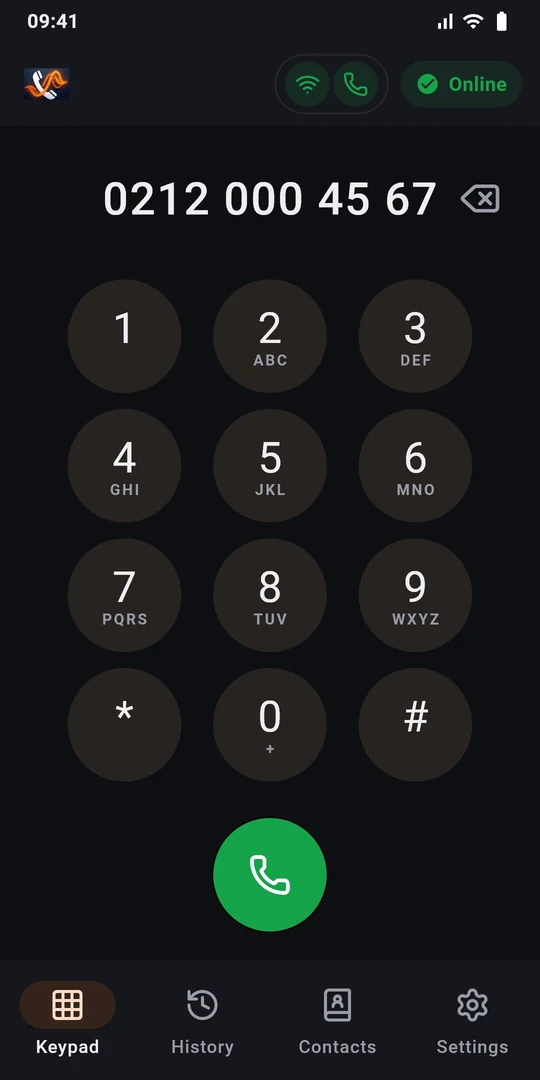
Internet and line status sit in the top bar. If the connection drops you see at once whether it is your phone or your line provider.
-
Ready in minutes
Install the app, the free trial starts by itself; enter the SIP details from your provider.
-
Call history and reports
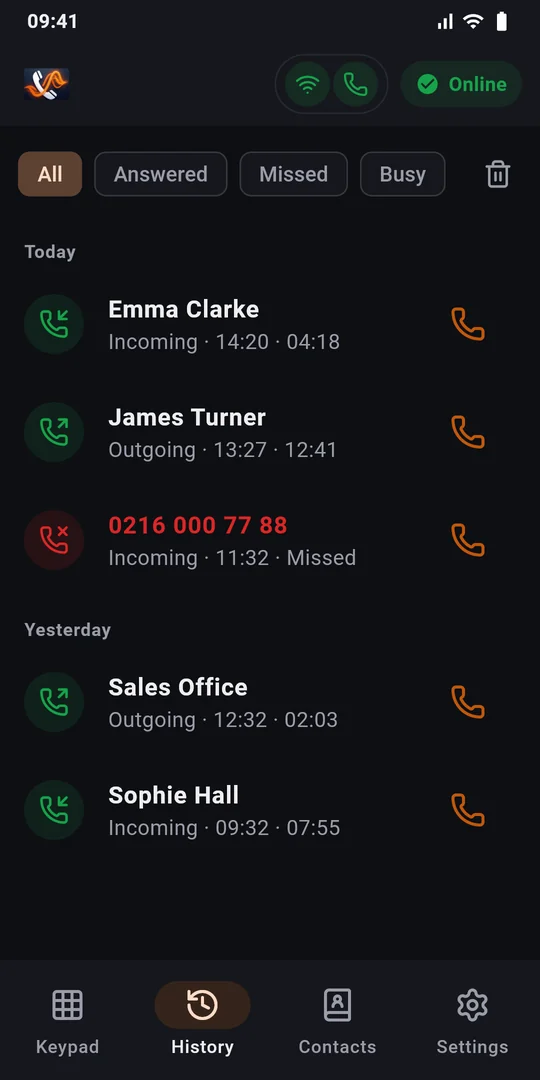
All your calls in the app; manage licences, devices and call reports in the customer portal.
-
Secure and ad-free
Your SIP details are stored encrypted and licences are verified with signed tokens. No ads, no tracking.
Inside the app
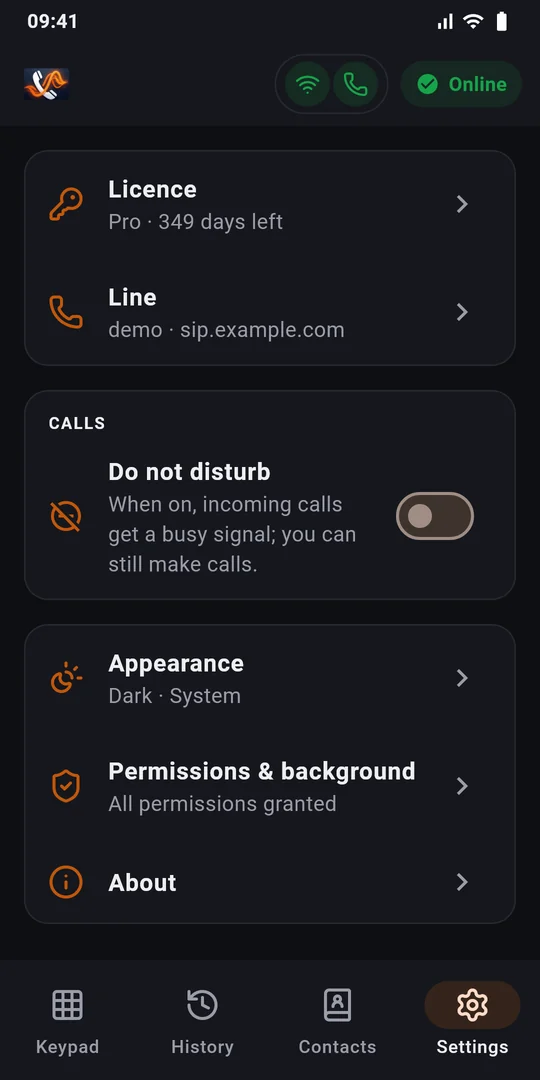
Get started in 3 steps
- 1
Install
Install MelinPhone on your Android phone.
- 2
Try it free
All features unlocked for 90 days.
- 3
Add your line
Enter the username, password and server from your SIP provider.
Plans
Pick the plan that suits you when the trial ends. Purchases are made in the customer portal; the app unlocks automatically once payment is confirmed.
Standard (yearly)
Conference and transfer, two devices.
€1.00 / 365 days
2 devices
- Conference
- Call transfer
- SIP log upload
Pro (yearly)
Includes call record sync for panel reports, three devices.
€2.00 / 365 days
3 devices
- Conference
- Call transfer
- Call record sync (panel reports)
- SIP log upload
- Manual SIP account
Purchases are made under the pre-contract information form and the distance sales agreement.
What’s new in the latest version? · Version 1.0.4
On the keypad the delete button now sits right next to the number you type: tap to remove the last digit, press and hold to clear the whole number.
Frequently asked questions
I don't have a SIP line. Can I use MelinPhone?
MelinPhone is a SIP client; to make calls you need a line from a SIP provider (e.g. a cloud PBX or VoIP number).
Do I get calls when the app is closed?
Yes. MelinPhone keeps the line on with a background service. Just allow the app in your phone's battery settings; the app guides you through it.
How does the free trial work?
The 90-day trial starts automatically when you first open the app, with all features unlocked. Each device can use the trial once.
How do I buy?
Sign up in the customer portal and choose your plan. Once payment is confirmed your licence activates in the app automatically.
Can I use one licence on several phones?
Yes, up to your plan's device limit; you add and remove devices in the customer portal.
Is there an iPhone version?
The iOS version is in preparation. For now Android 8.0 and later are supported.
MelinPhone is developed by Akılsoft. App details, plans and the version on this page come live from melinphone.com.tr.